
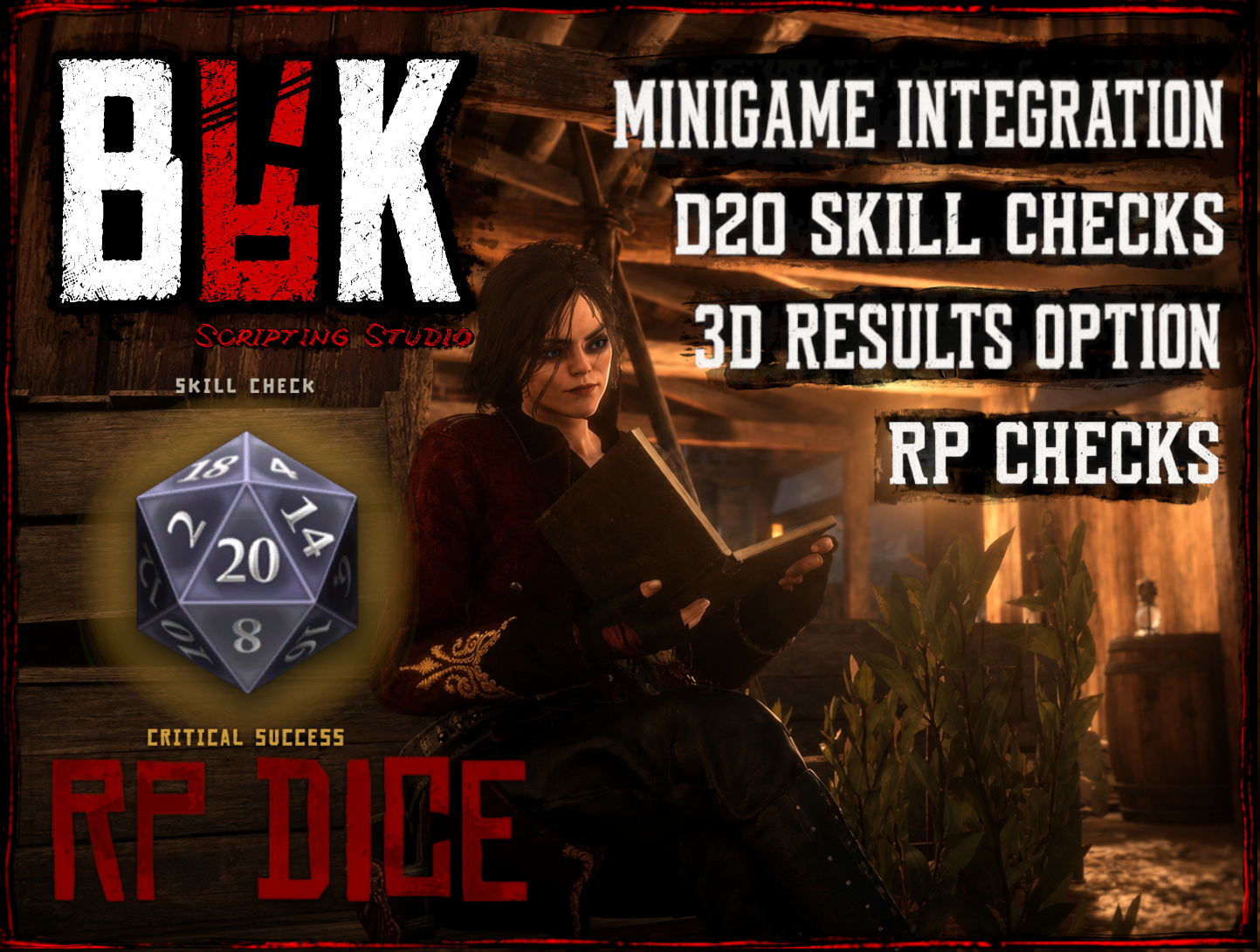
BRK RP DICE
BRK RP Dice is a free, standalone, fully configured and ready to go D20 skill check and roleplay dice system for RedM.
Players can use RP Dice directly during roleplay whenever an outcome should be left to chance, or other resources can use it as a reusable D20 minigame and skill-check system.
No framework dependency is required.
FEATURES
• D20 skill checks
• Player RP checks with /brkroll
• Success and failure outcomes
• Nat 20 critical success
• Nat 1 critical failure
• Optional nearby 3D result display
• Configurable skill check presets
• Minigame integration for other RedM resources
• Soft and hard skill-check outcomes
• Configurable modifiers and difficulty
• Roll, success, and failure feedback
• Optional BRK Chat integration
• Configurable Discord webhook logging
• Standalone with no framework dependency
• Fully configured and ready to use
RP CHECKS
Players can use /brkroll when an RP situation needs an uncertain result.
RP Dice can be used for investigations, searches, medical RP, animal handling, hunting, crafting attempts, negotiations, lockpicking, character knowledge checks, fights, physical actions, and other player driven RP situations.
The result provides the roll while leaving the actual interpretation and roleplay in the players' hands.
3D RESULTS
Roll results can optionally be displayed in 3D to nearby players, allowing everyone involved in the scene to see the outcome without turning the roll into a global announcement.
MINIGAME INTEGRATION
BRK RP Dice can also be integrated into other RedM scripts as a reusable D20 skill-check minigame.
Resources can use configured difficulty, modifiers, success and failure thresholds, critical outcomes, and other roll data to determine the result of an interaction.
This makes RP Dice useful for animal interactions, hunting and harvesting, crafting, professions, processing, and other skill-based RedM gameplay.
DISCORD WEBHOOK LOGGING
Player /brkroll RP checks can optionally be logged through a configurable Discord webhook.
Logs can record the player, what they were rolling for, the roll result, and the outcome.
Exported and minigame skill checks are not logged, keeping automated script integrations separate from player-created RP checks.
RESOURCE LINKS
BRK RP Dice Website
https://brkscriptingstudios.com/rp_dice
CFX Release
https://forum.cfx.re/t/brk-rp-dice/5414621
YouTube
https://www.youtube.com/@BRKScriptingStudio
BRK Scripting Studios
https://brkscriptingstudios.com/brk
BRK Discord
https://discord.gg/ZJS6HsCAVM
GitHub
https://github.com/blakelyrachelle
MORE BRK REDM RESOURCES
BRK Critter Care
Animal care and livestock interaction systems for RedM.
https://brkscriptingstudios.com/critter_care
BRK Resourceful Ranger
Animal harvesting and networked carcass cleanup for RedM.
https://brkscriptingstudios.com/resourceful_ranger
BRK Fish Filet
Fish processing and filleting gameplay for RedM.
https://brkscriptingstudios.com/fish_filet
BRK Notify
Configurable RedM notifications and loot notifications.
https://brkscriptingstudios.com/notify
BRK Menu
Shared BRK menu and interface system.
https://brkscriptingstudios.com/menu
BRK Chat
Customizable RedM chat system.
https://brkscriptingstudios.com/chat
BRK Minigames
Interactive minigames and skill-based gameplay systems for RedM.
https://brkscriptingstudios.com/minigames
BRK Developer Tools
Free tools and utilities for RedM server owners and developers.
https://brkscriptingstudios.com/tools
BRK Scripting Studios develops configurable RedM scripts, standalone RedM resources, VORP resources, roleplay systems, minigames, animal and hunting systems, developer tools, utilities, maps, world content, and original projects.
BRK resources focus on practical configuration, visible in game interaction, reusable integrations between systems, and gameplay tools for RedM players, server owners, and developers.